
V1.1
Troubleshooting Diagnostic Tool
From symptom to root cause
Technicians often guess and swap parts, skip safety and quick checks, and rely on tribal knowledge instead of a documented process, leaving no record of what was actually diagnosed.
Also available on Etsy (MAD 199)One-time purchase, no subscription. Works in Microsoft Excel or compatible spreadsheet software. Includes an example file, a PDF guide and a single-user license, with support by email.
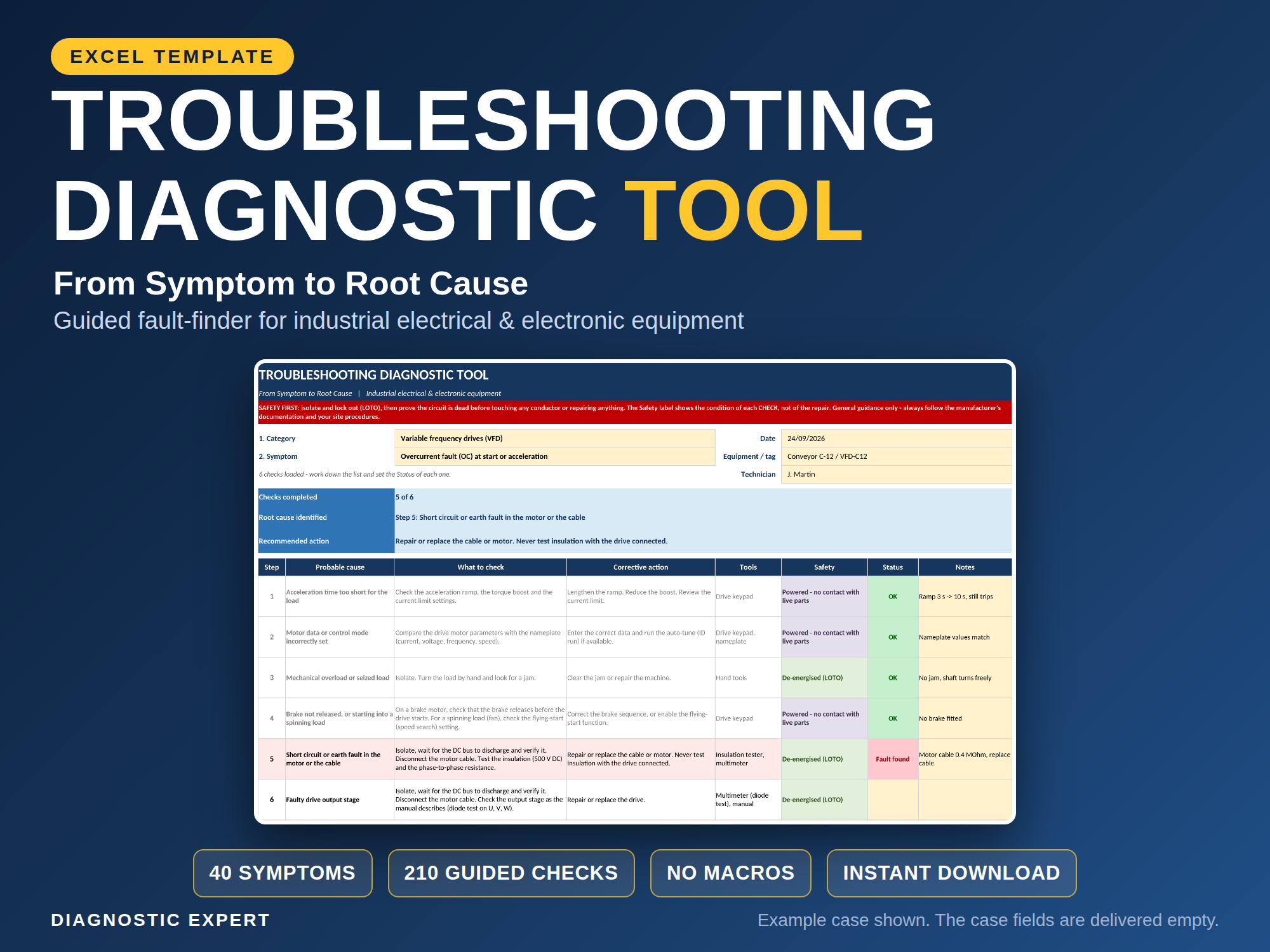
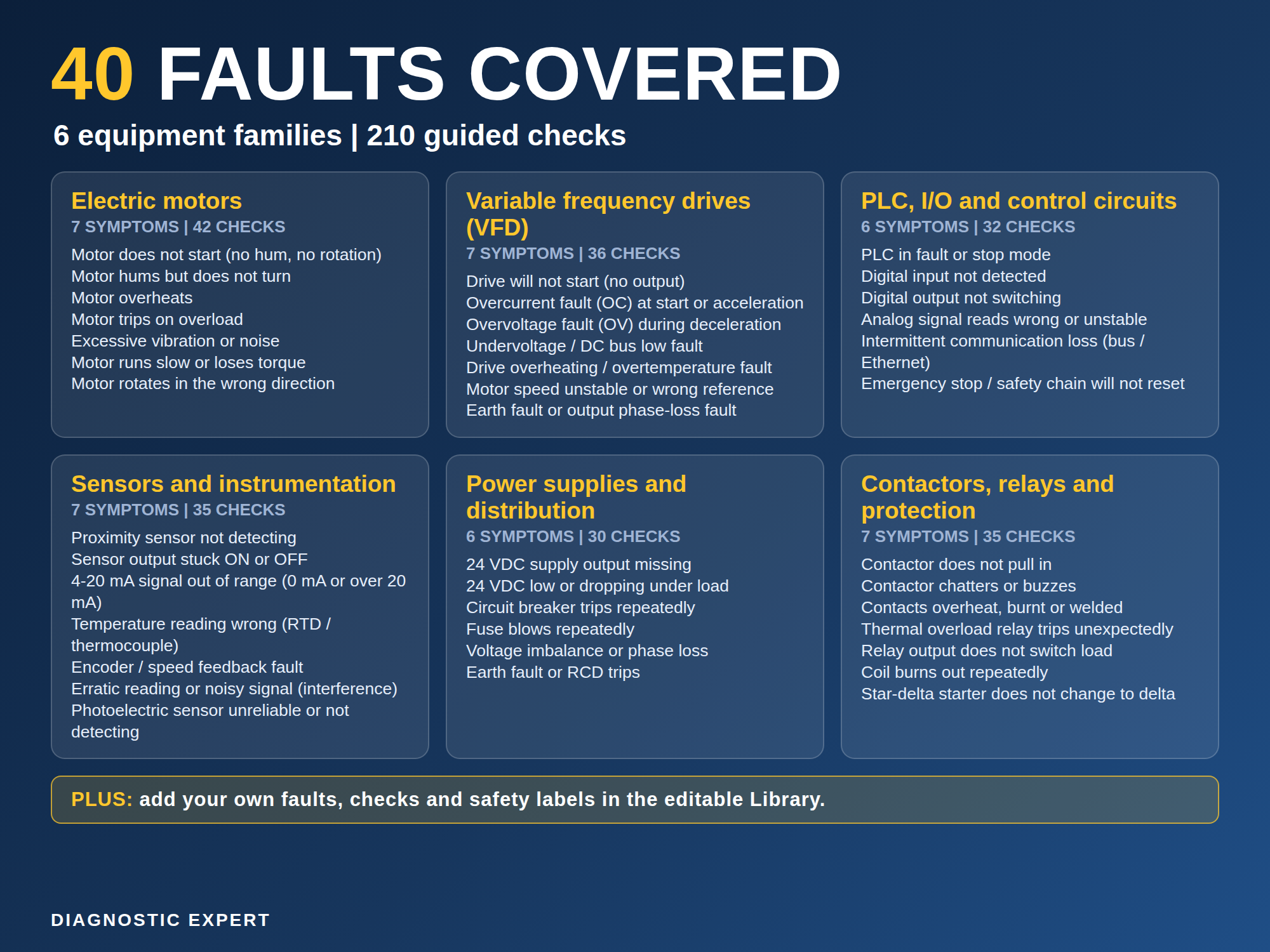
The Troubleshooting Diagnostic Tool is an Excel workbook that walks a technician from an observed symptom to a documented root cause and recommended action. It covers 40 documented faults across 6 equipment families and organizes them into 210 guided diagnostic checks.
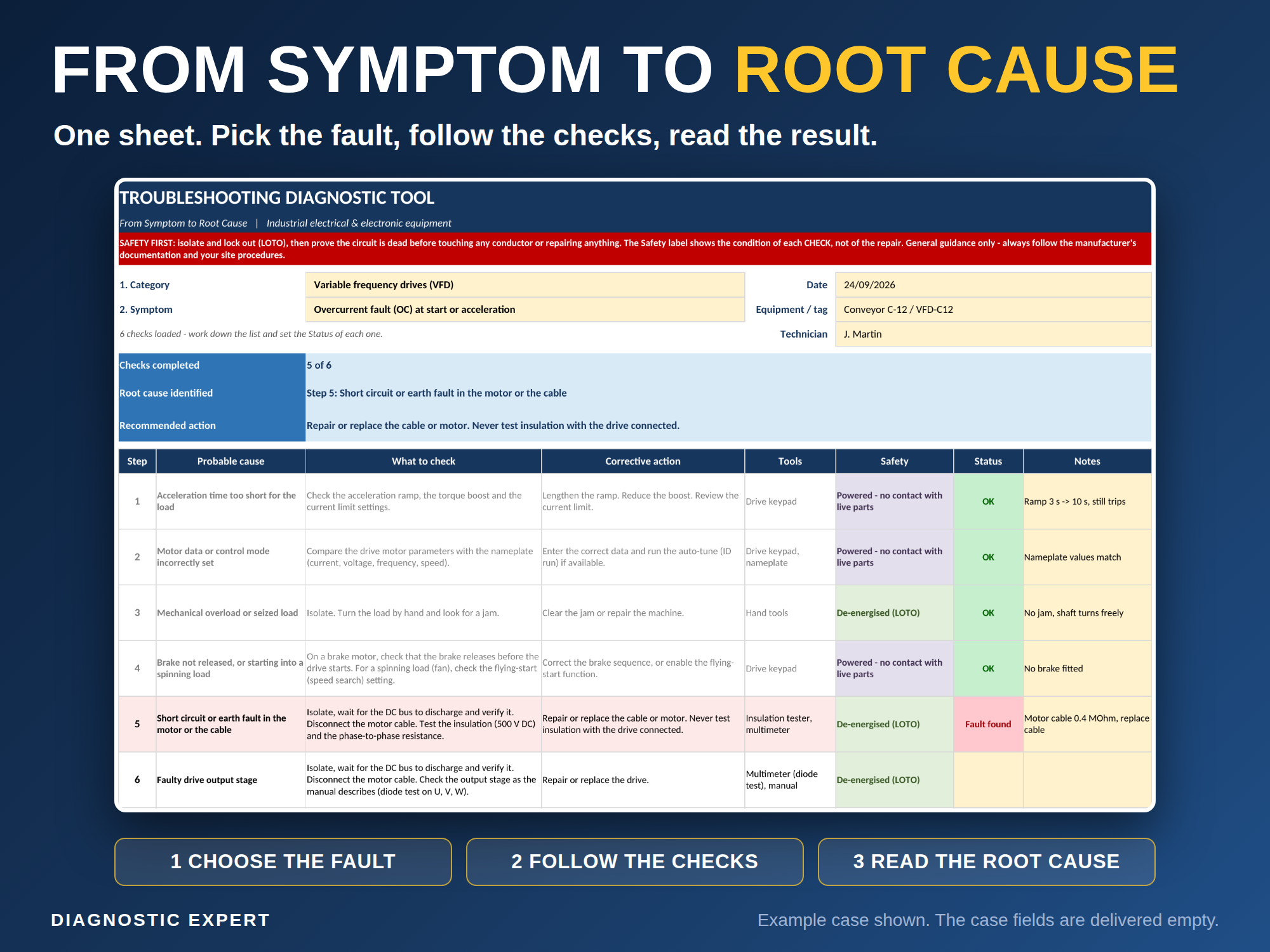
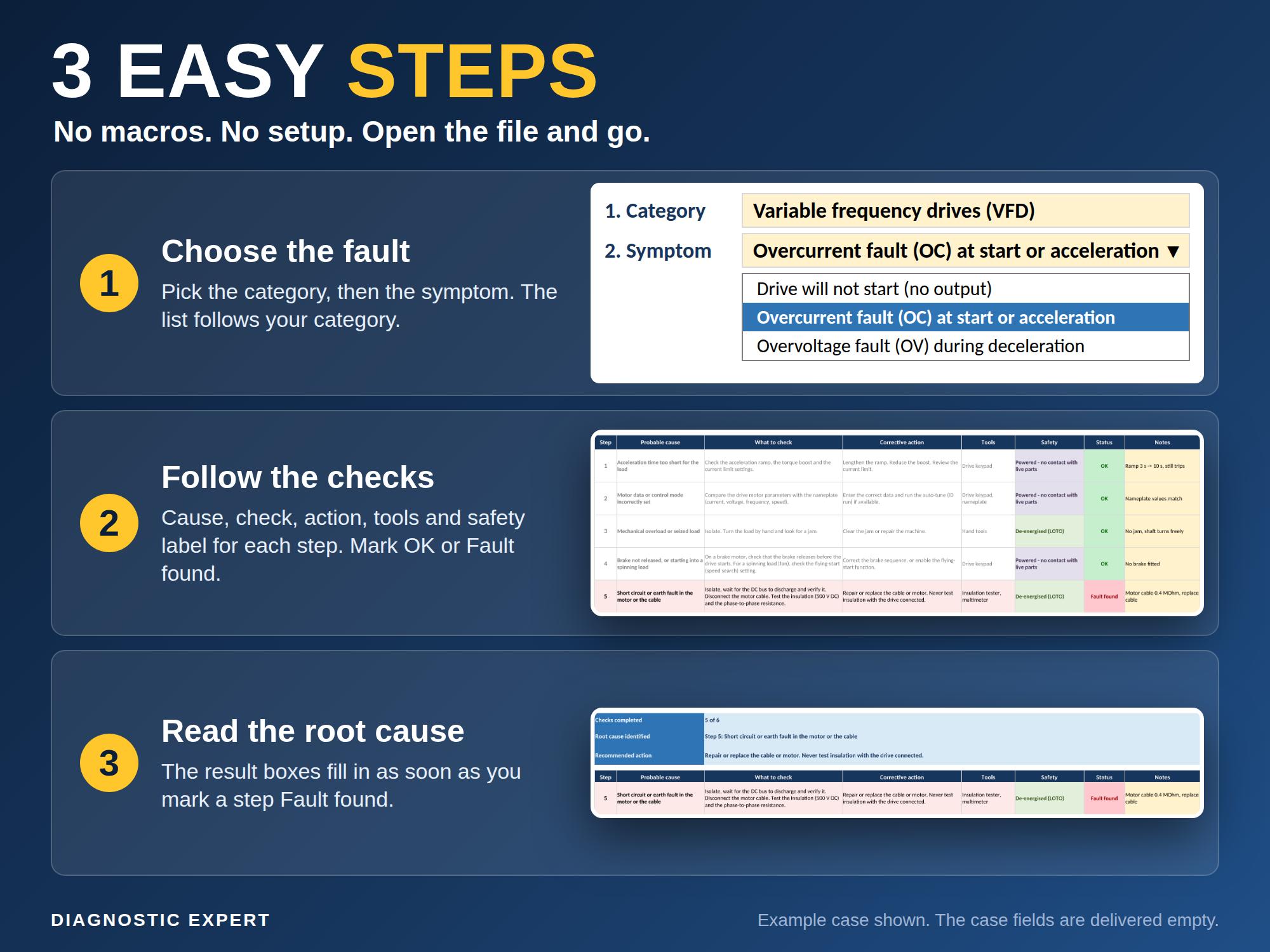
Instead of free form notes, the technician selects a category and a symptom from dropdown menus, works through the matching checks in order, and the workbook returns the root cause and recommended action automatically. Each check carries a 5-level colour-coded safety label so higher risk steps are flagged before work begins.
What is inside
- 40 documented faults across 6 equipment families: motors (7), VFDs (7), PLC/IO (6), sensors (7), power supplies (6), and contactors/relays (7)
- 210 guided diagnostic checks organized by category and symptom
- Category to symptom dropdown navigation, no free text searching
- Automatic root cause and recommended action result for each completed check
- A 5-level colour-coded safety label on every check
- A printable Quick Reference sheet
- An editable library, expandable to about 100 symptoms and 600 steps
- A one-page case record for every diagnosis
- Pure formulas only, no macros
Screenshots
Who it is for
- Industrial electricians and technicians
- Troubleshooters and field service staff
- Maintenance planners
- Apprentices and trainers
Not designed for
- Purely mechanical, hydraulic, pneumatic or HVAC faults
- It is a workbook, not a phone app
What is included
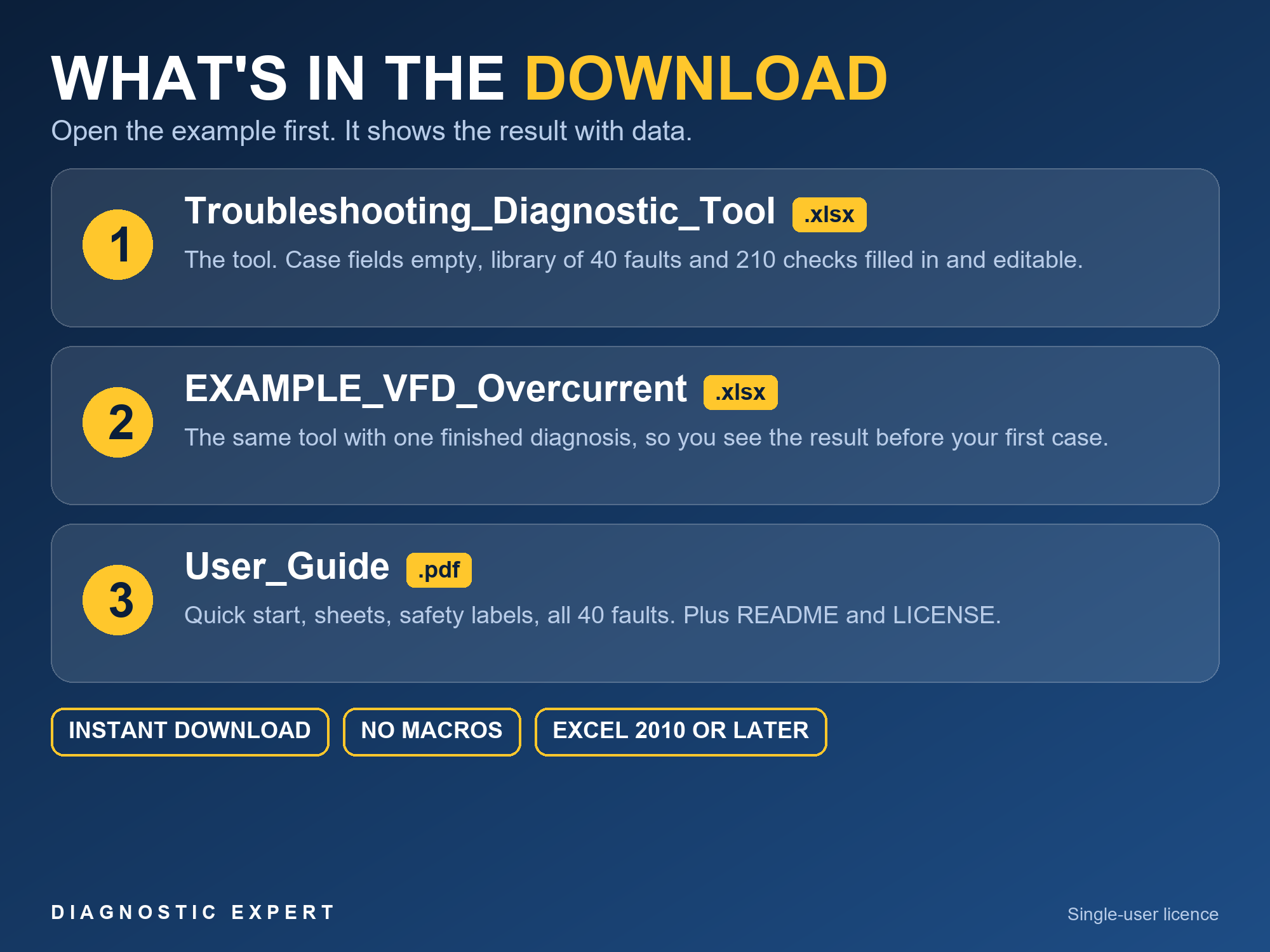
- The Troubleshooting Diagnostic Tool workbook
- An EXAMPLE file with clearly labeled illustrative data
- A PDF user guide
- A README file
- A single-user license
Frequently asked questions
Does the Troubleshooting Diagnostic Tool require Microsoft Excel?
Yes. It is an Excel workbook built with formulas only, no macros, so it opens in Microsoft Excel or compatible spreadsheet software.
Is example data included?
Yes. The download includes an EXAMPLE file with clearly labeled illustrative data so you can see how the workbook works before entering your own.
Is this a subscription?
No. This is a one-time purchase. You pay once and keep the file, with no recurring fee.
Does it cover mechanical, hydraulic or HVAC faults?
No. It focuses on electrical and industrial fault families such as motors, VFDs, PLC/IO, sensors, power supplies, contactors and relays. It is not designed for purely mechanical, hydraulic, pneumatic or HVAC troubleshooting, and it is not a phone app.